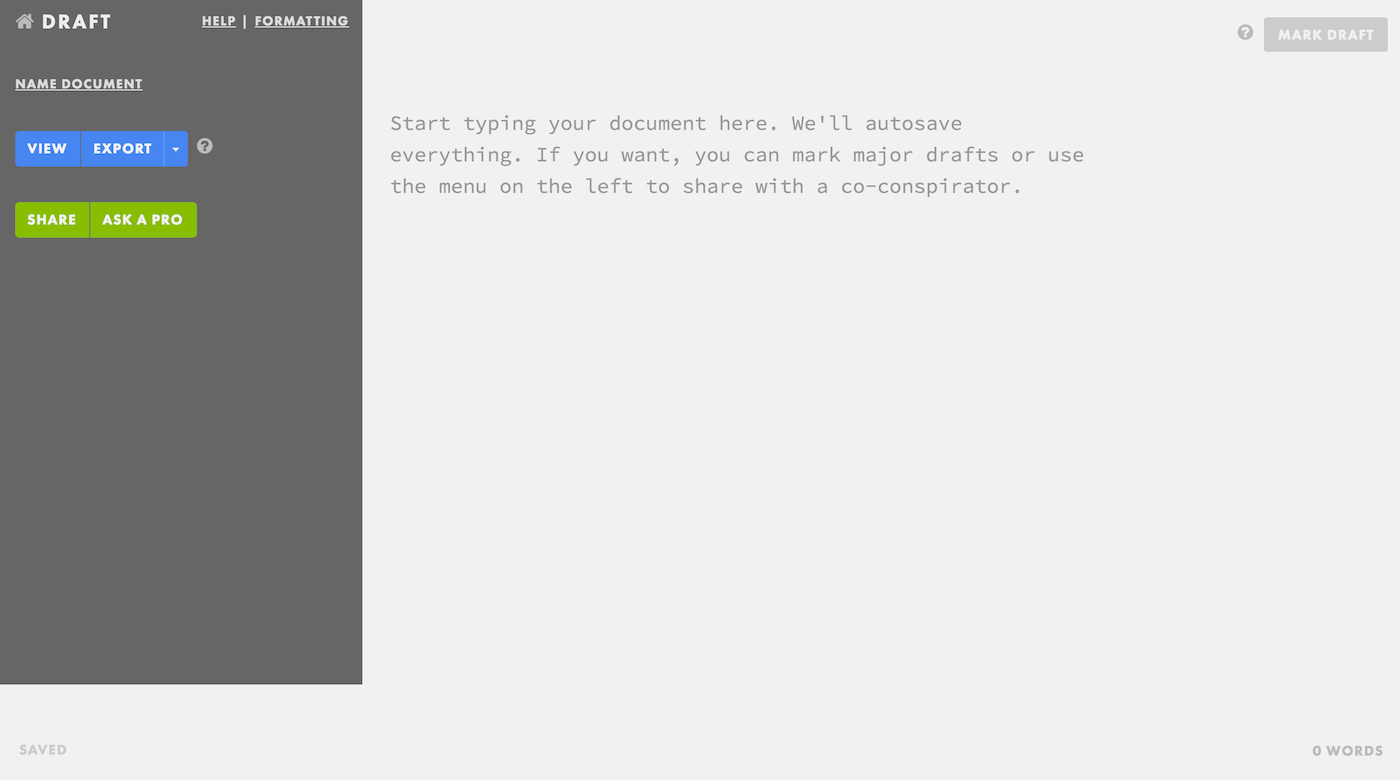
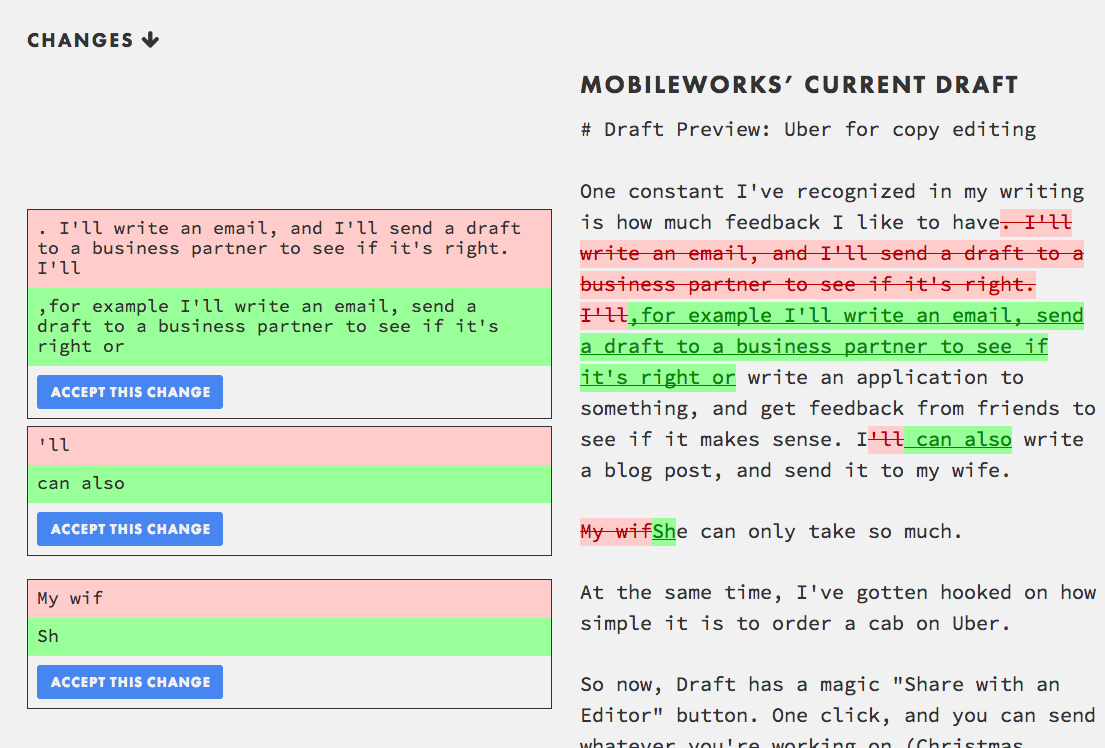
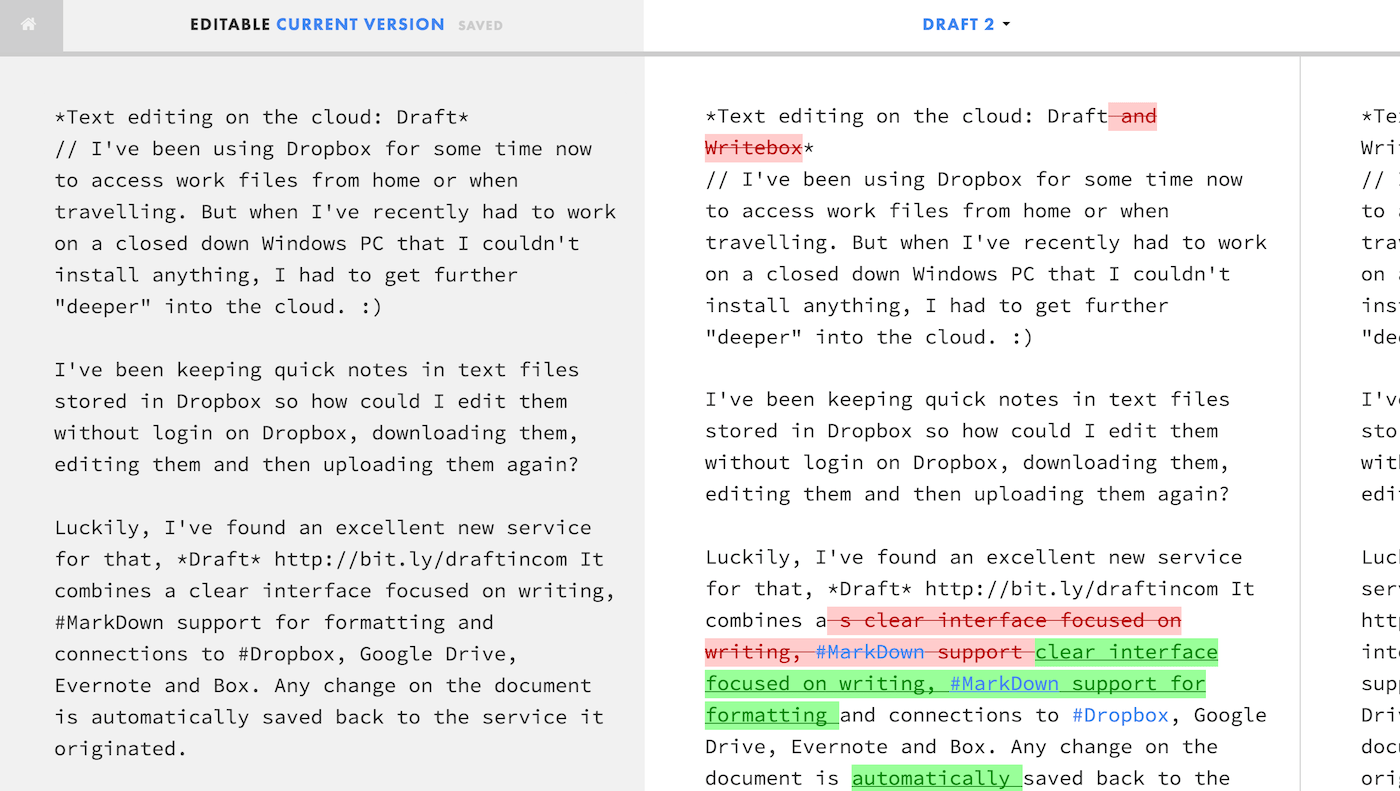
// I've written about #Draft already a few days ago http://bit.ly/g-draft when it was "just" a web-based text #editor for #Dropboxand Google Drive with version control and collaboration features.But I need to write again as a #Chrome extension was released that redefined how you can use Draft. I'll just copy the developer's (+Nathan Kontny) description:
Any webpage that you can write on, you can now use Draft with. Your blog, Gmail, Twitter, Facebook, even comment boxes on websites like Reddit and Hacker News. Just place your cursor in the box you want to write in, click the Chrome Draft extension, and Draft will open up in a new Chrome Tab. Choose an already written document or something new to write in Draft (any text from the original text box will carry over). When you're done, there's a menu button to paste your work back into the text box you came from.
As I write this post on Draft, it's a much better experience of writing without all the noise of Google+'s interface. Highly recommended, get Draft here http://bit.ly/draft-chrome
Any webpage that you can write on, you can now use Draft with. Your blog, Gmail, Twitter, Facebook, even comment boxes on websites like Reddit and Hacker News. Just place your cursor in the box you want to write in, click the Chrome Draft extension, and Draft will open up in a new Chrome Tab. Choose an already written document or something new to write in Draft (any text from the original text box will carry over). When you're done, there's a menu button to paste your work back into the text box you came from.
As I write this post on Draft, it's a much better experience of writing without all the noise of Google+'s interface. Highly recommended, get Draft here http://bit.ly/draft-chrome